Connecting to WiFi on Amtrak Trains and at Amtrak Stations
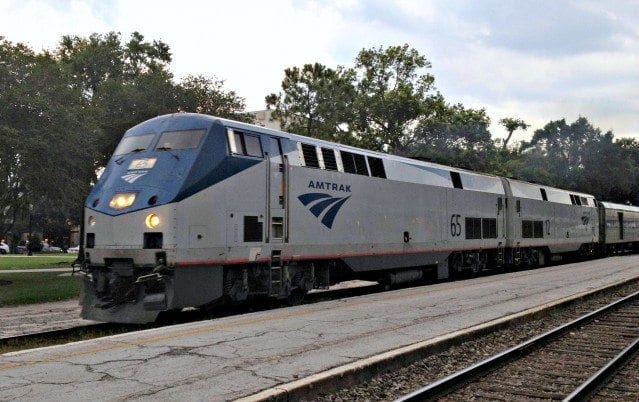
This is one question that I’m asked a lot. And I’m happy to answer, “Yes!” But there are some caveats to know about using WiFi on Amtrak trains.
Many Amtrak trains and almost all Amtrak stations offer WiFi. If the Amtrak station doesn’t have its own WiFi, then of course you can rely on your phone’s cell service and use a hotspot if needed. So I never worry about connectivity when I’m waiting at the station.
However, for travelers who depend on smartphones, tablets, and computers or plan to work or post to social while on the train, it’s essential to know which trains provide WiFi and understand its limitations.
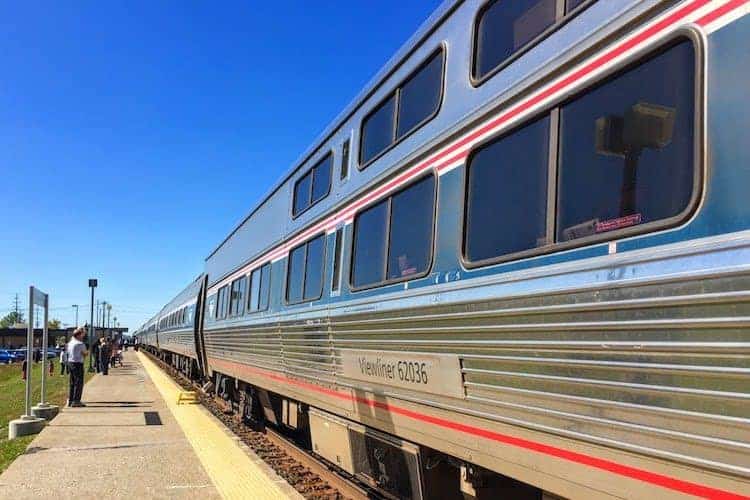
WiFi Availability on Amtrak Trains
Not all Amtrak overnight long-distance trains have WiFi. The good news is that WiFi is available on many Amtrak trains and certain long-distance routes, as well as many stations. Unlike some European trains where you must register an email address and pay to connect, Amtrak’s WiFi is free and easy for everyone to use.
What Amtrak Trains Have WiFi?
WiFi is mainly offered on trains operating east of the Mississippi River. Traveling west, the only route with WiFi is California’s Pacific Surfliner, running between San Luis Obispo and San Diego. WiFi is also available on the west coast San Joaquins train.
What To Do When There’s No Wifi
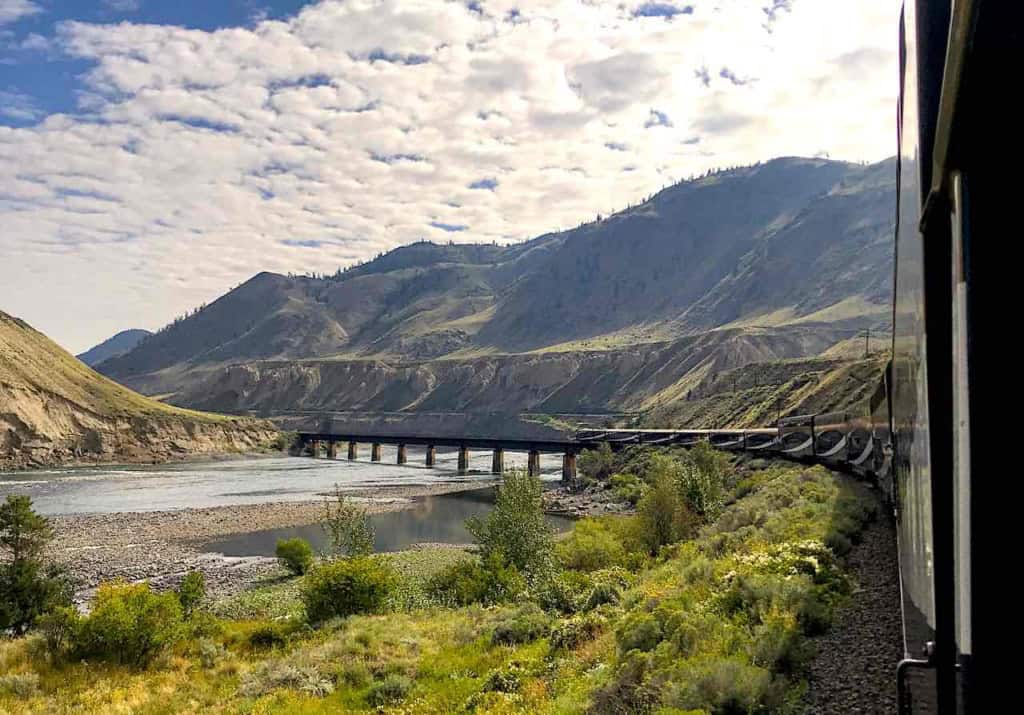
The was a time pre-pandemic that all overnight long-haul Amtrak trains had WiFi, but budget cuts have removed these systems. Hopefully, this service will be restored in the future. For now, you’ll need to rely on your mobile carrier’s service to tether your laptop or tablet. As trains often travel through rural and mountainous areas, mobile service may be necessary for connectivity. When making calls or downloading emails, look out for cell towers or wait until you pass through a small town.
List of Amtrak Trains With Wifi
|
|
Overnight Amtrak Trains with WiFi
The only overnight Amtrak trains with WiFi are those along the East Coast. You’ll find WiFi between Miami and New York City aboard the Silver Meteor and Silver Star. The Palmetto route that runs between Savannah, GA to New York City also has Wifi. Other overnight east coast routes with WiFi include Amtrak’s Auto Train between Sanford, FL and Lorton, VA, and the Crescent that runs between NYC and New Orleans.
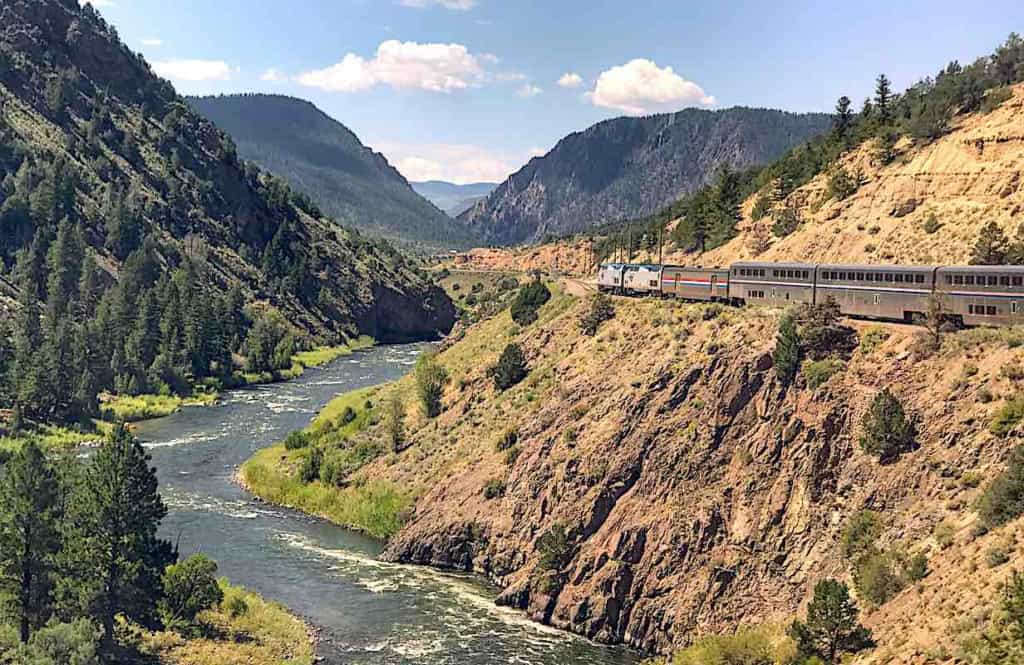
Now, you have to rely on your mobile phone carrier service to tether to your laptop computer or tablet. Because train routes that head out west travel through mostly rural and mountainous parts of America you’ll need mobile service to connect. Need to make a quick phone call or download email? Look out the window for cell towers or when passing through a small town.
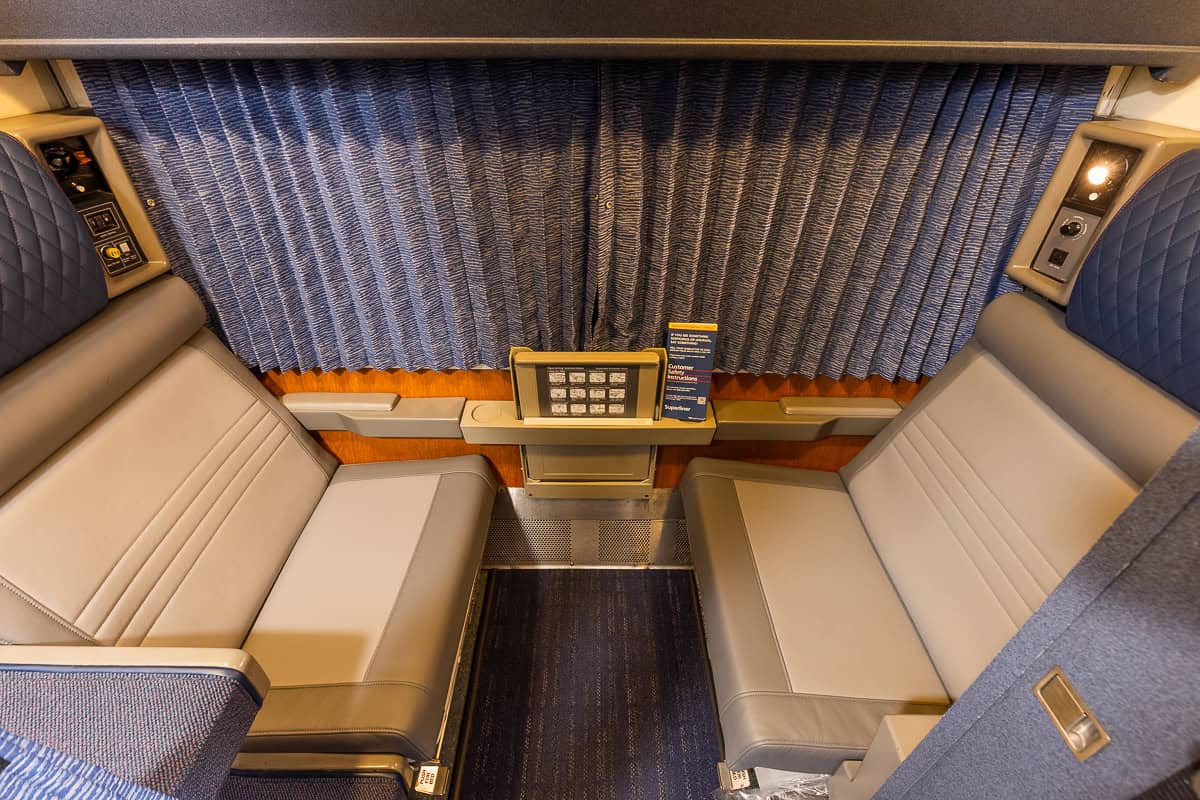
How Good is Amtrak WiFi
I have to remind myself that a train is a moving target and needs to be in areas where reception is possible. It’s only as good as the signal it receives…and how many people are logging in at the same time.
Amtrak is working to improve its WiFi service, especially on the Acela trains in the East. However, WiFi can be frustratingly spotty in other parts of the country. Remember, a train is a moving target and relies on signals from various areas.
Limitations of Amtrak WiFi
Amtrak WiFi doesn’t support high-bandwidth activities like streaming music, streaming video, or downloading large files. It’s primarily for general internet use. If you need large files, download them at home or in your office. Occasionally, you might be able to stream shows when most passengers are asleep, but it’s not reliable. For watching movies or TV shows, download them before you get to the train station.
Many Amtrak stations offer WiFi, but like the trains, these stations are primarily east of the Mississippi River.
Amtrak Stations With Free Wifi
- Baltimore, MD – Penn Station
- Boston, MA – South Station (inside the lounge only)
- Chicago, IL – Union Station
- Lorton, VA
- New York, NY – Moynihan Station
- New York, NY – Penn Station (in gate areas and inside the lounge)
- Philadelphia, PA – William H Gray III 30th Street Station (in gate areas and inside the lounge)
- Providence, RI
- Sanford, FL
- Washington, DC – Union Station (in gate areas and inside the lounge)
- Westwood, MA – Route 128
- Wilmington, DE – Wilmington Station

Connecting to Amtrak WiFi
Connecting to Amtrak WiFi is straightforward, similar to a hotel network. Here’s how to do it:
- Under your device’s available wireless networks, look for Amtrak_Wifi.
- Select the network Amtrak_Wifi.
- Open or refresh your browser, and you should see the Amtrak welcome screen.
- Agree to the terms of use to be directed to the Amtrak landing page, and you’re connected!
Amtrak WiFi Internet Speed
Amtrak WiFi speed can vary. Sometimes it’s fast, other times, not so much. Amtrak’s WiFi relies on bandwidth from cellular carriers along their routes, which can be limited and slower than stationary networks like at home or in the office.
Restrictions on WiFi Usage
AmtrakConnect blocks access to streaming media and limits file downloads to 10MB. Passengers are encouraged to download large files before boarding. Additionally, AmtrakConnect restricts access to websites with objectionable content. There is no technical support available while traveling, so your room or car attendant won’t be able to troubleshoot your device. If the network appears to be down, inform the conductor so the outage can be reported.
That’s all you need to do to connect to wifi aboard Amtrak. As you might expect there is no technical support available while traveling. Your room or car attendant is not available to troubleshoot your device. However, if the network appears to be down, it’s a good idea to let the conductor know so the outage can be reported.
Is Amtrak WiFi Secure?
Amtrak WiFi, like any open network without a password, is as secure as what you’d find at a Starbucks or a local library.
Before You Board Your Amtrak Train
It’s always a good idea to download any content you plan to watch before leaving home. For instance, I once tried to download a 23-minute episode of “Frasier” at the New York’s beautiful new Acela Lounge. The download failed because the WiFi file limit was 10MB, and my episode was just over that amount. So, download everything you need before you leave home.
While Amtrak’s WiFi isn’t perfect, it’s currently the best available option for travelers. Enjoy your journey!
This post may contain affiliate links for which I may be compensated. As an Amazon Associate I earn from qualifying purchases.